
Reuse your Excel muscle memory
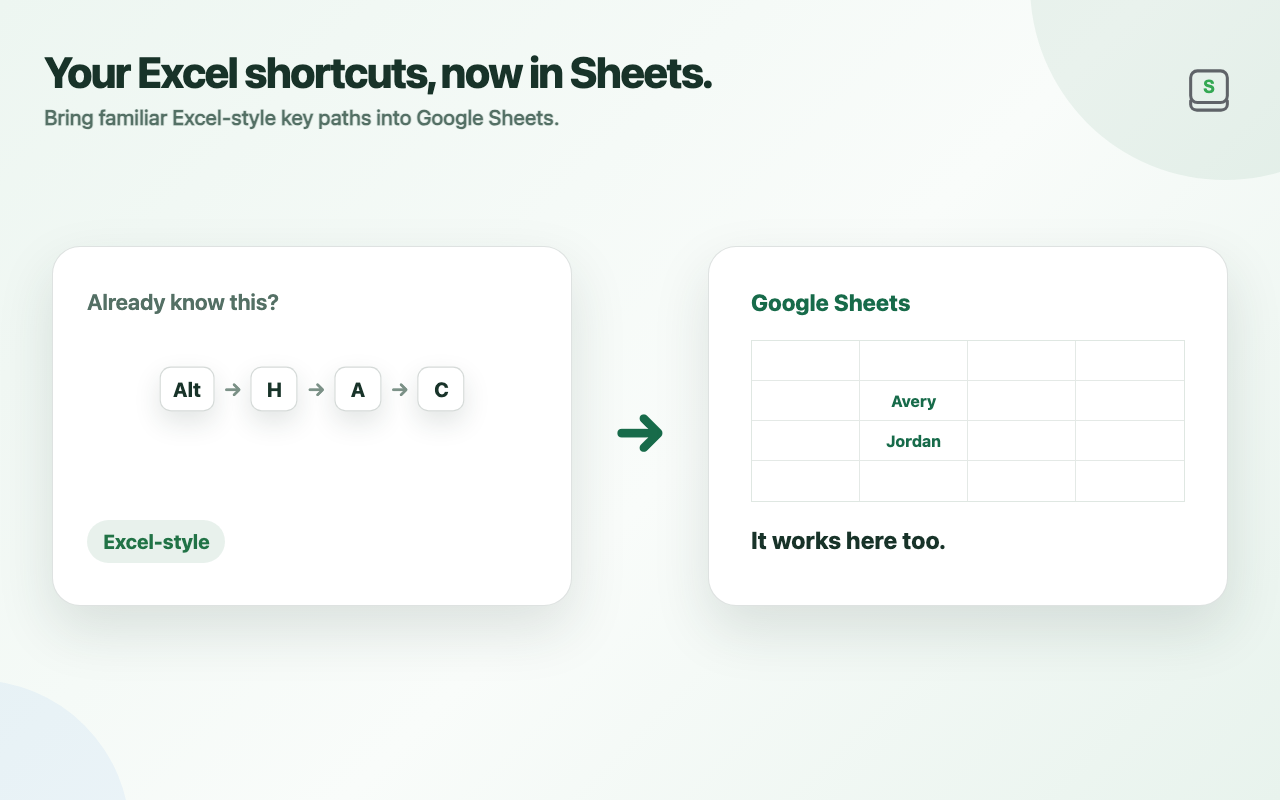
An Excel-compatible keymap lets you reuse familiar sequential keyboard actions in Google Sheets.
Excel shortcuts for Google Sheets™ with on-screen KeyTips
Spex is a browser extension that brings Excel-style sequential shortcuts to Google Sheets.Alt / Optionreveals the keys available right on the page. Follow the KeyTips to control menus, formatting, rows, columns, sheets, and more without reaching for the mouse.
Keyboard-first controls
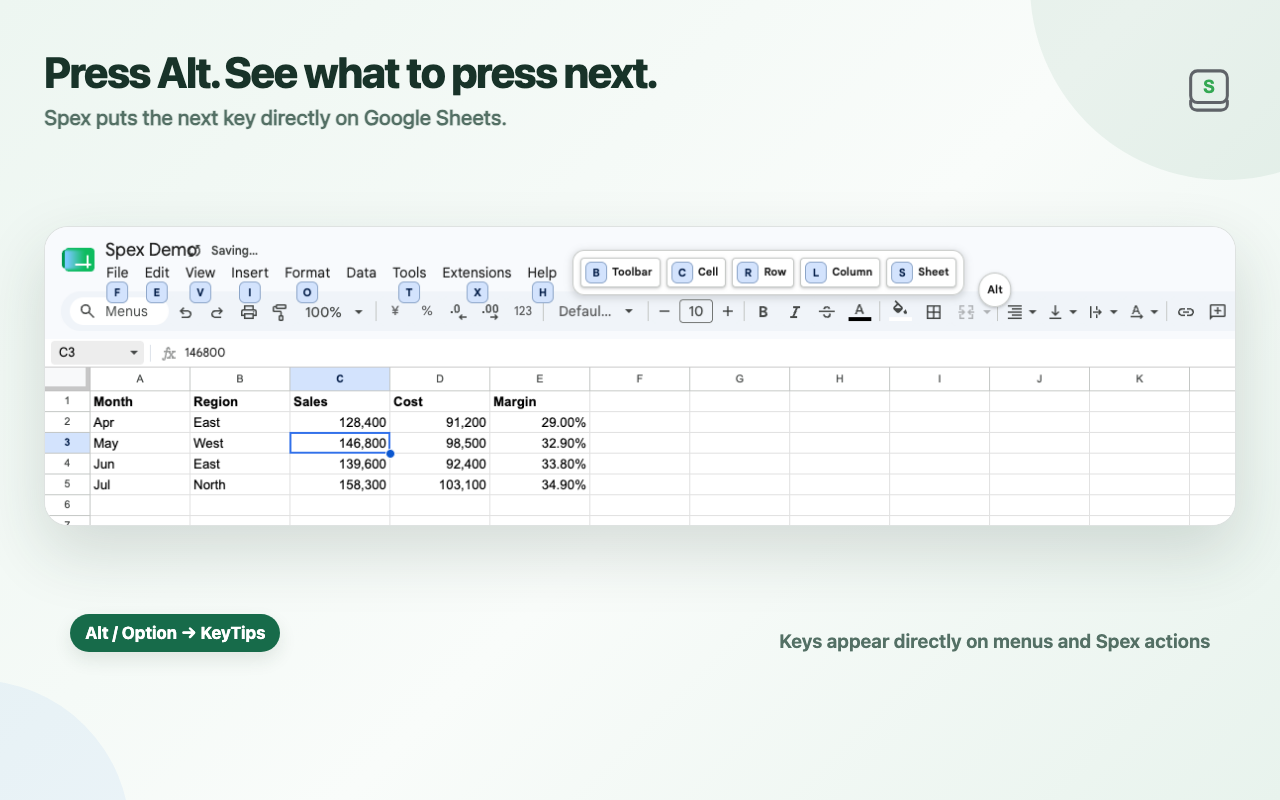
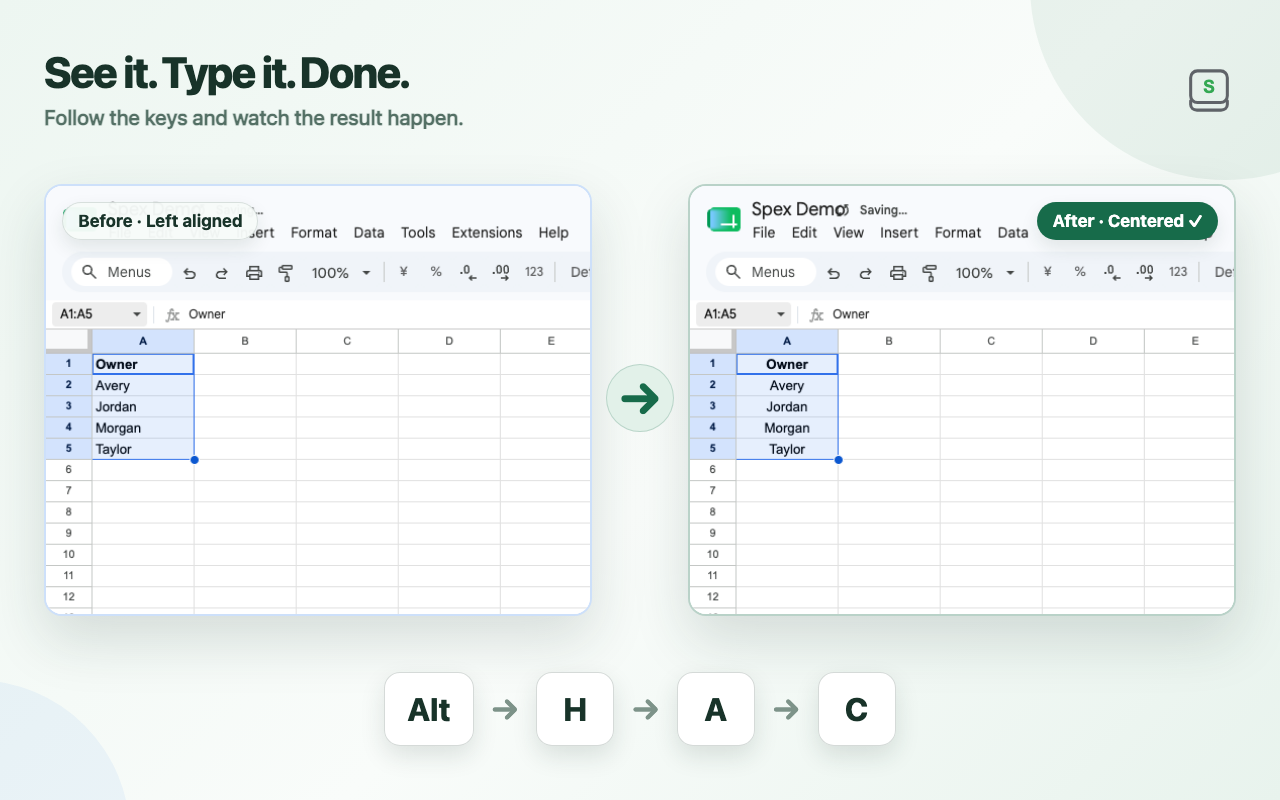
Press Alt / Optionin Google Sheets to show the keys available at that moment. Follow the KeyTips to run commands without moving your hand to the mouse.
Recorded in Google Sheets, showing KeyTips and a command being executed.
Why Spex
An Excel-compatible keymap lets you reuse familiar sequential keyboard actions in Google Sheets.
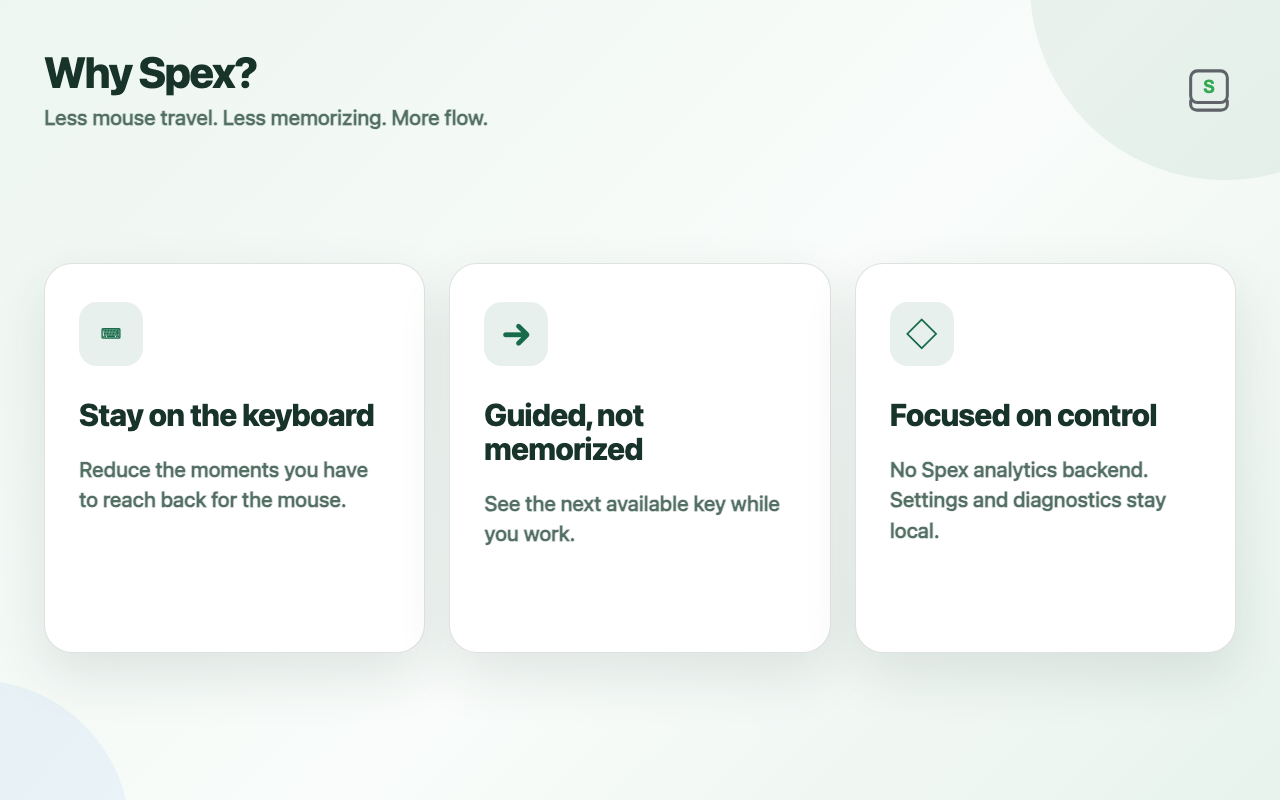
Press Alt / Option and Spex shows the next available keys as KeyTips, so you can follow the screen instead of memorizing everything.
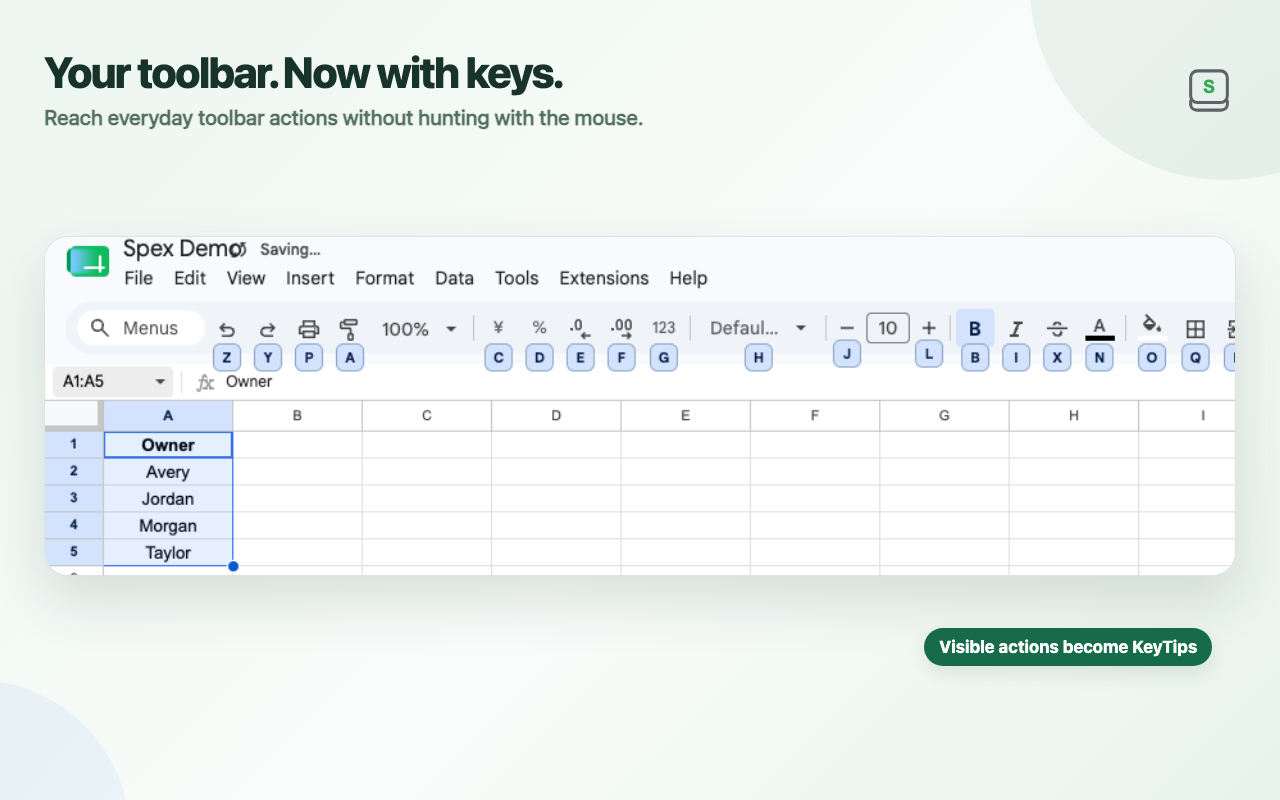
Spex adds KeyTips to Google Sheets menus and toolbar actions so commands you used to hunt for with the mouse are reachable from the keyboard.
Dark mode covers both the Google Sheets UI and the cell grid, while preserving original colors as much as possible and prioritizing readability.
How it works
Privacy
Settings, onboarding state, and limited Spex operational/error diagnostics are stored in browser extension local storage. Spex does not automatically upload diagnostics or usage telemetry.
Spex does not use telemetry or analytics. Diagnostics do not store spreadsheet URLs, cell values, formulas, or selection contents.
Read the full Privacy PolicyFAQ
Common questions about how Spex works, what it supports, and how it handles data.
No. Press Alt / Option and Spex displays the next available keys as KeyTips on the page.
Spex includes an Excel-compatible keymap. A Sheets / Spex keymap is also available for Google Sheets-specific actions.
Yes. It applies to both the Google Sheets UI and the cell grid, while preserving original colors as much as possible and prioritizing readability.
No. Spex does not use telemetry or analytics. Diagnostics normally stay on the device and are sent for support only when you explicitly choose to attach them and submit the extension support form.
Still need help?
Questions and bug reports are welcome by email. If possible, include reproduction steps, your Chrome / Google Sheets language, and the Spex version.